How Much RAM Do You Actually Need for Gaming?

What RAM Actually Does While You Game
RAM holds the data your CPU needs immediate access to: game assets, textures waiting to be sent to your GPU, background processes, and your operating system's own overhead. When you run out, your system starts swapping data to your storage drive instead, which is dramatically slower and shows up as stuttering, not just lower average fps.
The key thing to understand is that "enough" RAM doesn't mean the game barely fits. It means there's comfortable headroom left over, since Windows itself, your launcher (Steam, Battle.net, whatever), Discord, and your browser are all sitting in memory before the game even loads.
The Real Numbers by Use Case
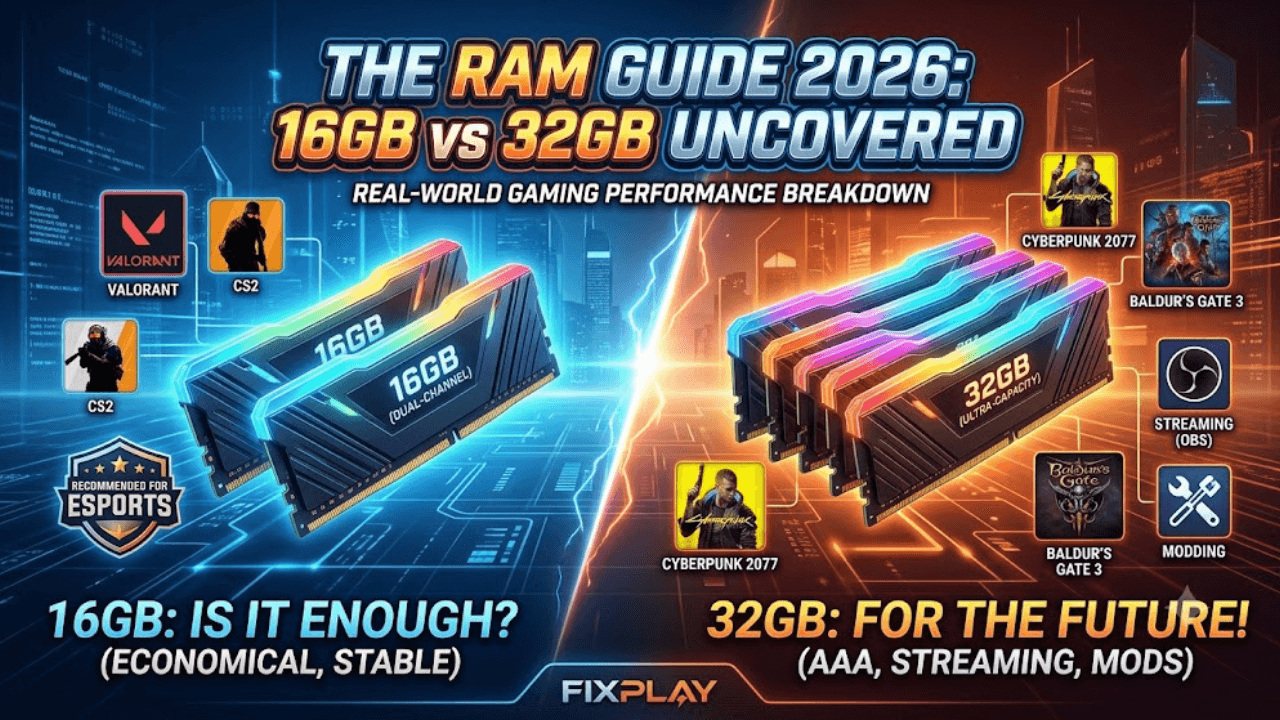
Competitive and esports titles (Valorant, CS2, Fortnite, Overwatch 2): 16GB is genuinely enough here. These games are built to run on modest hardware since low latency matters more than visual fidelity, and their memory footprint reflects that. I've run Valorant on a 16GB system with Discord, a browser, and a stat-tracking overlay all open simultaneously without ever seeing memory become the limiting factor. Spending extra on 32GB for these titles alone isn't buying you fps.
Modern AAA single-player games (Cyberpunk 2077, Baldur's Gate 3, recent Assassin's Creed titles): 16GB is the realistic floor, and 32GB is where you stop thinking about it entirely. Several newer titles now recommend 16GB as the minimum, not the recommended spec, which tells you where things are heading.
Gaming while streaming, recording, or running Discord with a heavy overlay: This is where 32GB earns its keep. OBS alone can use a meaningful chunk of memory during an active recording, and stacking that on top of a demanding game plus a browser with a dozen tabs open is exactly the scenario that pushes 16GB systems into swapping.
Modding-heavy setups (Skyrim, Minecraft with large modpacks): 32GB, no real debate here. Heavily modded games load far more into memory than their base versions, and modding communities will tell you this from experience long before any spec sheet does.
Dual-Channel Matters More Than People Realize
Here's something most buying guides skip entirely: how your RAM is installed changes performance almost as much as how much you have.
Running two sticks in dual-channel mode (say, two 8GB sticks instead of one 16GB stick) gives your CPU roughly double the memory bandwidth compared to single-channel. I've tested this directly on my own rig: swapping from a single 16GB stick to two 8GB sticks in the correct dual-channel slots produced a noticeable 1% low fps improvement in several games, with the total RAM capacity completely unchanged.
If you're buying RAM, always buy it in a matched pair, and check your motherboard manual for which slots enable dual-channel. A single stick, even a large one, leaves real performance on the table.
Does RAM Speed Actually Matter?
This depends heavily on your platform, and it connects directly to something worth understanding if you've ever dealt with a CPU bottleneck. On Intel platforms, RAM speed produces small, usually forgettable gains in most games once you're above the baseline supported speed.
On AMD Ryzen platforms, it's a different story. Ryzen's infinity fabric ties directly to memory speed, so faster RAM can produce a real, measurable difference, sometimes enough to noticeably close a CPU-side performance gap. If you're on an AMD system and already suspect your CPU is holding back your GPU, checking whether your RAM is running at its rated speed (rather than a slower default) is worth doing before assuming you need new hardware entirely.
How to Check If RAM Is Actually Holding You Back
Open Task Manager's Performance tab and look at the Memory graph while you're gaming with your usual background apps open. If usage sits consistently near or at your total installed RAM, you're out of headroom, and upgrading capacity will help. If there's a comfortable gap left over, more RAM won't move your fps at all, since it was never the limiting factor to begin with.
It's worth checking this before spending money, since RAM is one of the easiest upgrades to buy unnecessarily based on internet advice that didn't account for your specific setup.
For a more precise read, open Resource Monitor (search for it in the Start menu) and check the "Committed" figure under the Memory tab rather than just the basic usage percentage. Committed memory includes what your system has reserved even if not actively using it at that instant, and a Committed figure that regularly approaches your total installed RAM plus your page file is a clearer sign you're genuinely capacity-limited, not just running close to a temporary spike.
Common Mistakes to Avoid
Buying based on total capacity alone. A single 32GB stick in single-channel mode can genuinely underperform two matched 16GB sticks in dual-channel. Configuration matters as much as the number on the box.
Assuming every game needs the same amount. As covered above, an esports title and a heavily modded RPG have completely different memory demands. Match your RAM to what you actually play most.
Overpaying for extreme speed on Intel builds. Past a certain point, faster RAM stops translating into meaningfully better frame rates on Intel platforms, so that budget is often better spent elsewhere.
Ignoring background app usage. Discord, browsers, and capture software all eat into your available memory before the game gets any of it. Check your realistic day-to-day usage, not just the game's minimum spec.
Wrapping Up
For most gamers, 16GB in dual-channel is still a genuinely solid baseline, and 32GB is worth it specifically if you stream, mod heavily, or multitask hard while playing. Beyond that, spend your money on making sure your RAM is actually running in dual-channel and at its rated speed rather than just buying a bigger number.
If you're trying to figure out whether RAM or something else in your system is limiting your performance, browse more diagnostic guides like this on the FixPlay homepage before spending on an upgrade you might not need.
FAQ: How Much RAM Do You Actually Need for Gaming?
Is 16GB of RAM enough for gaming in 2026?
For competitive and esports titles, yes, 16GB is genuinely enough. For modern AAA single-player games it's a realistic floor rather than generous headroom, and if you stream, record, or run heavy background apps alongside your game, 32GB is worth the upgrade.
Does RAM speed actually matter for gaming performance?
It depends on your platform. On Intel systems, RAM speed produces small, often forgettable gains once you're above the baseline supported speed. On AMD Ryzen systems, RAM speed matters more because it directly affects the infinity fabric, and can meaningfully improve performance in CPU-sensitive scenarios.
Is dual-channel RAM actually worth setting up correctly?
Yes. Running two matched sticks in the correct dual-channel slots roughly doubles memory bandwidth compared to a single stick, and can measurably improve 1% low frame rates even when total RAM capacity stays exactly the same.
How much RAM do I need for gaming while streaming?
32GB is the safer choice here. Recording or streaming software like OBS uses a meaningful chunk of memory on its own, and combining that with a demanding game and a browser can push a 16GB system into swapping, which shows up as stuttering.
Can too little RAM cause stuttering even if my average fps looks fine?
Yes. Running low on RAM causes your system to swap data to your storage drive, which creates stutter and frame time spikes that don't always show up clearly in an average fps number, even though the experience feels noticeably worse.

Written by
Kashif
Founder & Lead Editor, FixPlay
Kashif is the founder and lead editor at FixPlay, covering PC hardware, console gaming, and breaking industry news since 2021. He builds and benchmarks his own test rigs before writing any hardware guide, and has covered major releases including GTA 6, Elden Ring, and Call of Duty season updates. His GPU and settings guides are based on hands-on testing, not spec-sheet guesses.
View all posts by Kashif
0 Comments
No comments yet - be the first to share your thoughts.