How to Split Your Budget on a Gaming PC Build (Without Guessing)

The Core Allocation Logic
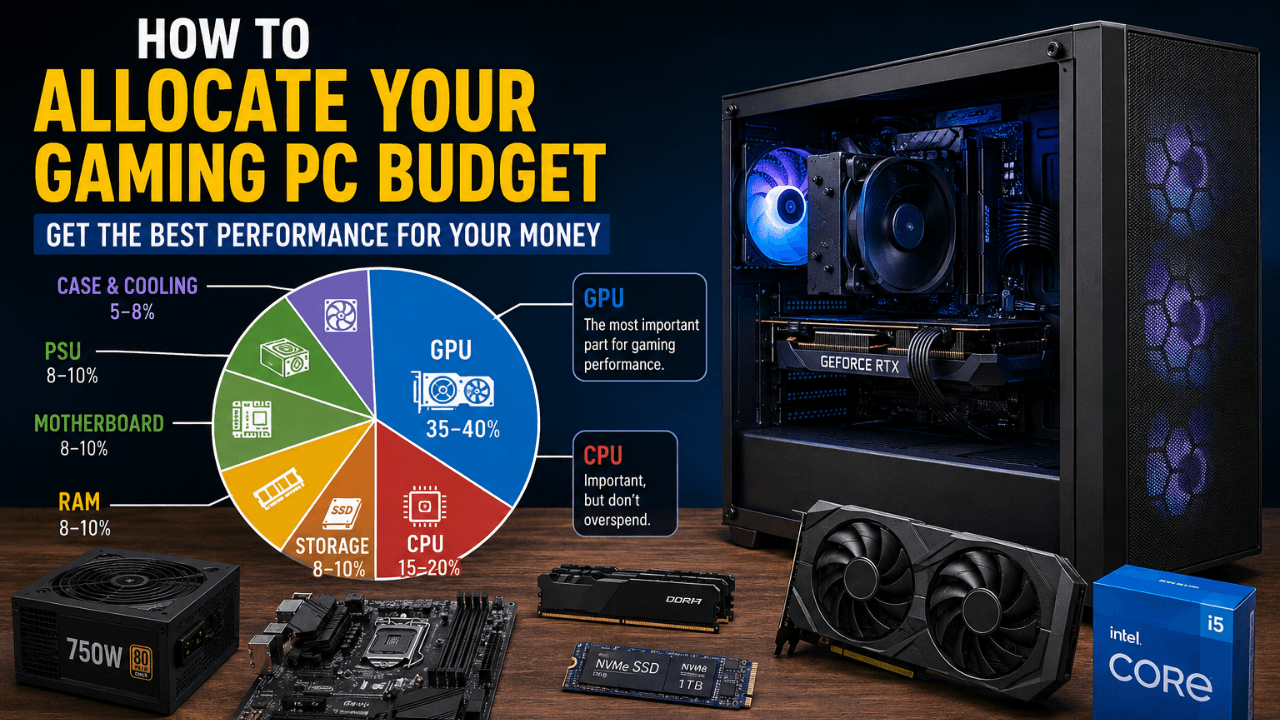
For a gaming-first build, this rough split holds up well across most budgets:
GPU: 35 to 40 percent. This is what actually renders your frames, so it deserves the largest share by a clear margin.
CPU: 15 to 20 percent. Enough to avoid becoming the limiting factor, without overspending on cores you won't use for gaming.
Storage: 8 to 10 percent. A single fast NVMe drive covers most builds. Capacity matters more than chasing the absolute fastest read speeds for gaming.
RAM: 8 to 10 percent. Enough for dual-channel capacity that matches your actual use case, not just the biggest kit available.
Motherboard: 8 to 10 percent. A mid-range board with the features you need beats an expensive one with features you'll never touch.
PSU: 8 to 10 percent. Never the place to cut corners, since an unreliable PSU risks the rest of your build.
Case and cooling: 5 to 8 percent. Enough for decent airflow. Looks matter less than most first-time builders think.
Why the Split Shifts by Tier
At the entry level, every percentage point counts more in absolute terms, so the temptation to skimp on the PSU or cheap out on RAM capacity to afford a slightly better GPU is strongest here. Resist it. A GPU that's 5 percent faster on paper isn't worth pairing with a PSU that can't reliably deliver power.
At the mid tier, this is usually where dual-channel RAM and a properly sized PSU stop being "nice to have" and start being the difference between a build that performs as expected and one that quietly underperforms without an obvious reason why.
At the higher tier, the CPU slice often needs to grow slightly, since a stronger GPU can genuinely get held back by a CPU that was fine at a lower tier but becomes the limiting factor once the GPU is capable of pushing far more frames.
Checking Your Build Actually Landed Right
Following a percentage split gets you close, but the only way to know your specific build is balanced correctly is to check it after you've put it together.
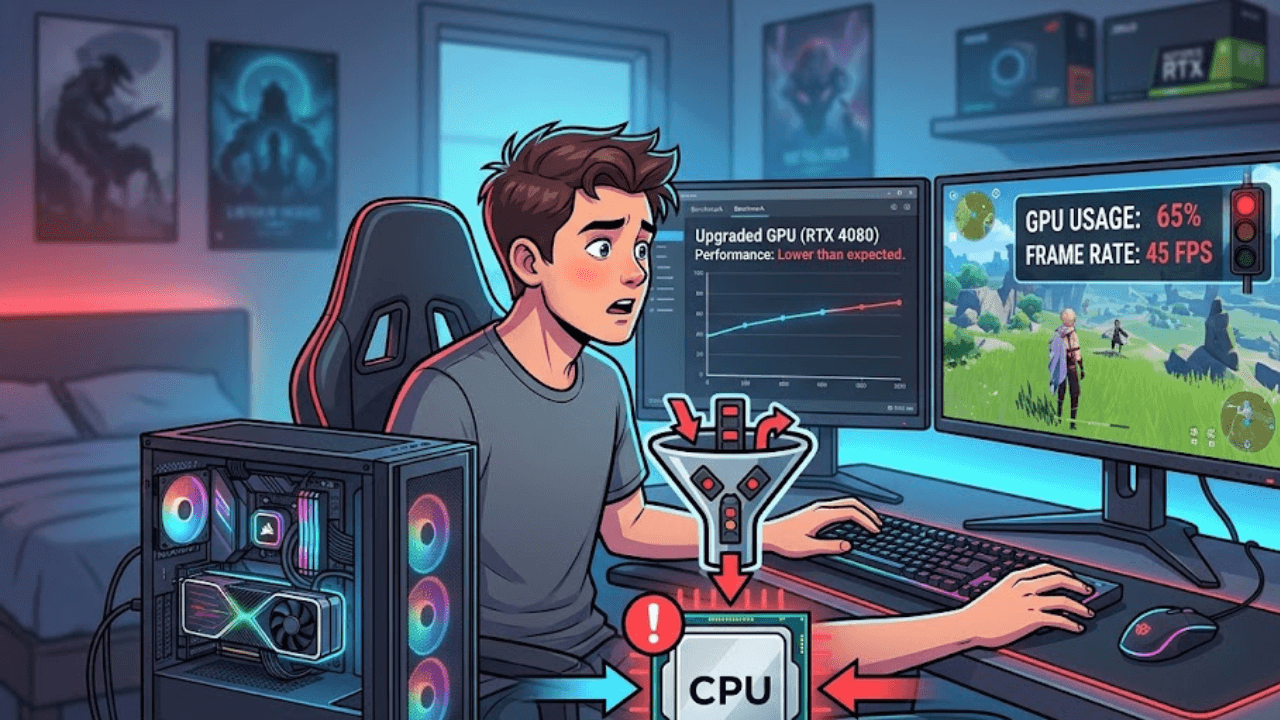
Once your GPU is installed and you're running your usual games, it's worth confirming your CPU isn't quietly holding it back, especially if you leaned toward the CPU-light end of the allocation. Our guide on checking for a CPU bottleneck walks through exactly how to read your GPU usage percentage and catch this in a few minutes.
The same goes for RAM. If you allocated toward the lower end of the 8 to 10 percent range, it's worth confirming that was actually enough for how you play, particularly if you stream, mod, or run a lot of background apps. Our breakdown on how much RAM you actually need for gaming covers this by use case rather than a single blanket number.
Common Mistakes to Avoid
Overspending on the case before the parts inside it. A great-looking case with a weak GPU is still a weak build. Prioritize what actually affects your frame rate.
Buying the absolute cheapest PSU to stretch the GPU budget. This is the one category where the allocation percentage should be treated as a floor, not a target to shrink.
Matching CPU tier to GPU tier by price alone. Two components can cost the same and still be badly matched. Check real-world pairings for your specific tier rather than assuming similar price means similar balance.
Ignoring dual-channel RAM to save a small amount. A single stick at a slightly lower price can cost you more in performance than the money it saves.
Wrapping Up
There's no single "best" build at any price point, since prices and available parts shift constantly. What holds up is the logic: let your GPU lead the budget, keep your CPU close enough that it won't bottleneck, and never treat your PSU as the place to cut corners.
Once your build is together, browse more diagnostic guides like this on the FixPlay homepage to make sure every part is actually pulling its weight.

Written by
Kashif
Founder & Lead Editor, FixPlay
Kashif is the founder and lead editor at FixPlay, covering PC hardware, console gaming, and breaking industry news since 2021. He builds and benchmarks his own test rigs before writing any hardware guide, and has covered major releases including GTA 6, Elden Ring, and Call of Duty season updates. His GPU and settings guides are based on hands-on testing, not spec-sheet guesses.
View all posts by Kashif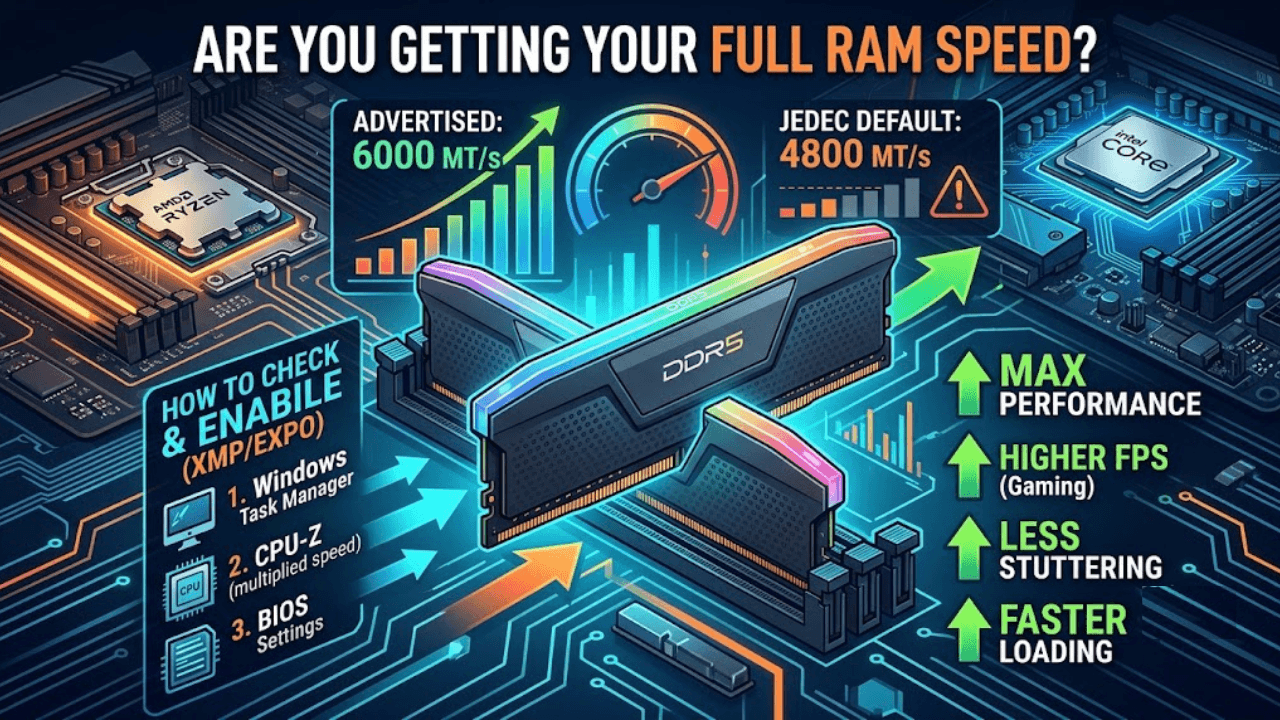
0 Comments
No comments yet - be the first to share your thoughts.